
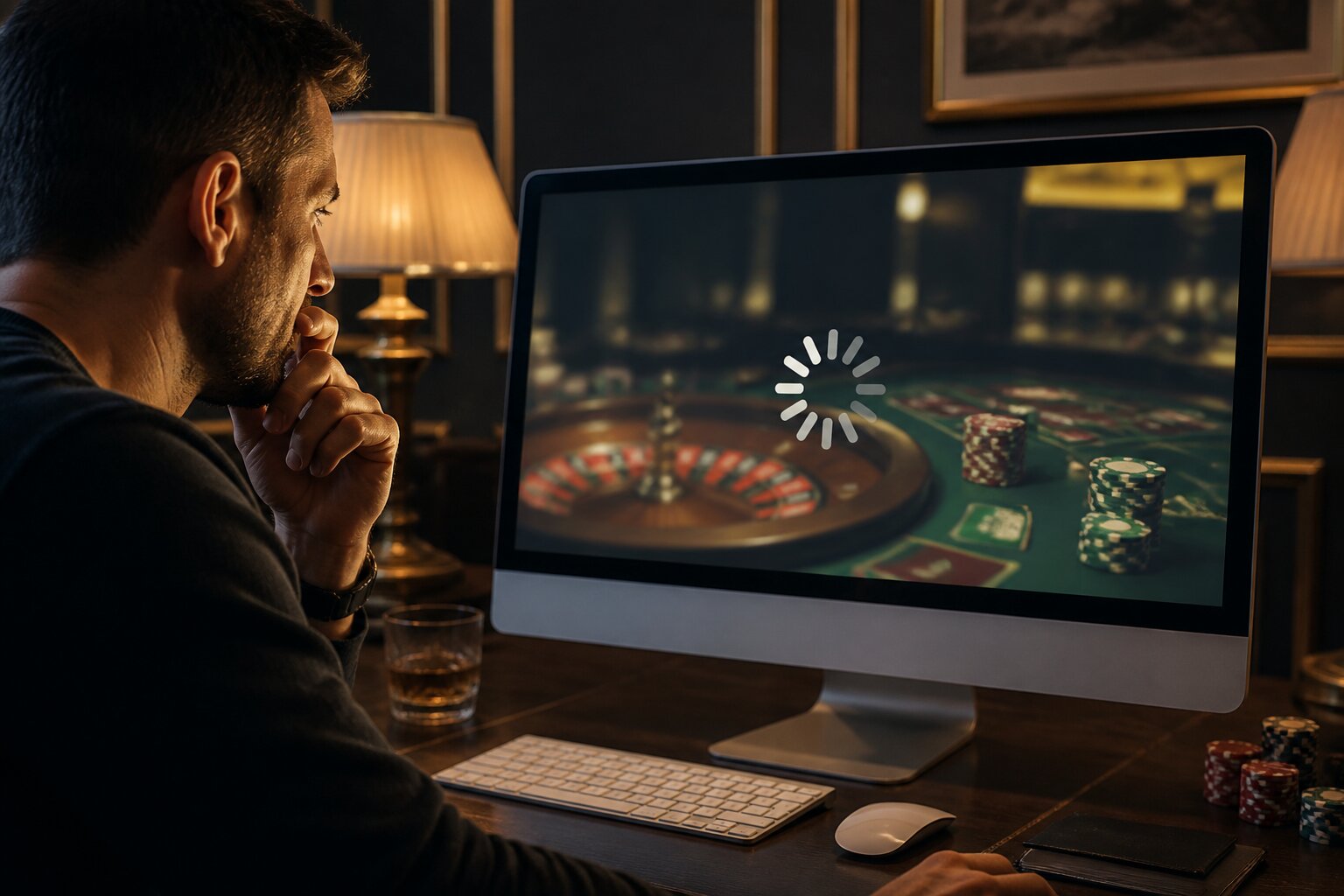
There’s nothing more frustrating than having your casino game freeze just as you’re getting into the action. Spinning reels that stop, cards that won’t deal or games that refuse to load can quickly take the enjoyment out of a session.
Most game errors have straightforward explanations and fixes, often related to your connection, browser or device. In this guide you’ll learn the common causes, how to check them and what to do next so you can get back to playing with as little fuss as possible.
Read on to diagnose the problem and work through practical solutions that typically restore smooth play.
Common Reasons Casino Games Freeze or Fail to Load
Many interruptions come down to a handful of technical issues that are easy to spot once you know what to look for.
An unstable internet connection is one of the most frequent causes. Short drops or large fluctuations in Wi‑Fi or mobile data can pause a game or prevent it from finishing a load cycle. Closely related are device memory and storage limits: if your phone, tablet or computer has many apps running or little free space, games may struggle to allocate the resources they need and then lock up.
Outdated software — whether that is your browser, the casino app or your operating system — can create compatibility problems with modern game features, producing freezes or failed loads. A cluttered browser cache and cookies can also cause games to behave as if they are loading forever because the browser is trying to use stale files.
On occasion, the fault lies with the casino’s servers or game provider. Server maintenance, temporary outages or software errors can interrupt games for many players at once. Other times, browser settings that block pop-ups or scripts will prevent elements of a game from running.
Account issues such as an expired session or pending verification may also stop access to games until they are resolved.
Knowing these common causes helps narrow down where to look next and leads naturally into which device and internet factors matter most for reliable play.
Why Does My Casino Game Screen Get Stuck?
A frozen game usually means something interrupted the connection or the game’s ability to render content.
Brief losses of internet at a critical moment can leave the game waiting for information from the server, causing the screen to appear unresponsive until communication is restored. Session timeouts — automatic logouts after a period of inactivity — can have a similar effect by interrupting the exchange between your device and the casino.
Compatibility problems are another common source of stuck screens. Older browsers or apps that are no longer supported may not handle new graphics or audio features correctly, and the game can hang while attempting to load them. Limited device resources such as low memory or near‑full storage can further compound the issue, slowing down rendering or causing a complete lock-up.
Sometimes the problem is temporary and resolves once the server recovers or your connection stabilises; other times it requires updating software, freeing up device resources or reaching out for technical support. The next section explains which device and internet characteristics have the biggest impact on play so you can check them quickly.
Key Device and Internet Factors
Whether you use a phone, tablet or desktop, both the device itself and the connection it uses have a direct influence on game performance.
Device compatibility centres on having current operating systems and supported browsers or apps. Older phones and tablets, particularly those that no longer receive updates, are more likely to struggle with modern HTML5 games. Low memory and limited storage space cause slowdowns when the game needs more resources to render animations or process inputs. Background apps can also siphon CPU and memory, so closed or unused apps left running in the background may affect gameplay.
A stable internet connection is equally important. A good Wi‑Fi signal within range of your router usually provides the steady throughput games expect, while sharing that local connection with multiple heavy users — streaming video or large downloads, for example — can reduce bandwidth and cause lag or disconnects. Mobile data can be perfectly fine, but signal drops are more likely when moving between coverage areas or in locations with poor reception. Public Wi‑Fi is convenient but often inconsistent in speed and reliability.
If both device and connection are in order, many technical issues disappear. The following section drills into browser and software settings that most commonly interfere with online games.
Browser and Software Issues Explained
The browser or app you use determines whether a game can access required features and run smoothly.
Modern games rely on current browser standards. Using an up‑to‑date Chrome, Firefox, Edge or Safari improves compatibility with the latest web technology. Older browsers may not support features used by contemporary games, which can lead to missing assets, stalled loading or freezes.
Cache and cookies deserve regular attention. Over time, these stored files can become outdated or corrupted and cause the browser to attempt to use older resources instead of fresh ones. Clearing cache and cookies removes that risk and often resolves unexplained loading failures.
Scripts and pop-ups are another frequent stumbling block. Games commonly rely on JavaScript and other client‑side scripts; if your browser blocks these or treats essential pop-ups as unwanted content, parts of the game may not initialise. Adjusting settings to allow required scripts and pop-ups for the site will enable those components to run.
Keeping your operating system, browser and casino app up to date reduces the chances of incompatibility. Security and feature updates often include fixes that directly improve game stability and performance. With these settings checked, you’ll be in a better position to try the practical troubleshooting steps that follow.
Troubleshooting Frozen Screens: Step-by-Step Solutions
If a game freezes or won’t load, a few checks usually resolve the issue. The following steps are presented clearly so they can be followed in order if you need them.
- Refresh your browser or restart the app. A simple reload can re‑establish the connection and allow the game to continue.
- Clear cache and cookies in your browser settings to remove stale files that might be blocking fresh content.
- Restart your device to free memory and reset any temporary glitches affecting performance.
- Check your internet connection; if possible, switch from mobile data to a stable Wi‑Fi network or move closer to your router to improve signal strength.
- Update your operating system, browser and the casino app to the latest versions to ensure compatibility.
- Allow pop‑ups and enable JavaScript in your browser for the casino site so necessary scripts can run.
- Try a different supported browser or another device to see if the problem follows you or is isolated to one setup.
If these steps don’t resolve the issue, it can be helpful to pause and come back later rather than continuing while frustrated. The next section explains when to report the problem to support and what information will help them investigate.
When to Contact Casino Support for Game Issues
Contact support if problems persist after troubleshooting or if a technical issue affects your account balance or transaction status.
Examples that warrant immediate contact include a balance not updating after a spin or bet, a withdrawal that appears stuck, unclear settlement of a game outcome, or repeated crashes that prevent play. In these cases, support can check server logs, verify transactions and advise on whether the problem is known or requires escalation.
Most casinos provide live chat for quicker responses, email for detailed queries and screenshots, and telephone support where available. When contacting support, include device type, browser or app version, a brief description of the problem, and any error messages or screenshots. That information helps the technical team reproduce the issue and act more quickly.
Some problems take time to investigate or resolve, so patience can be necessary. If technical issues are recurring for you, consider taking an extended break until play is stable again, keeping control of your activity and avoiding frustration.
This guidance should make it easier to identify why a game freezes and what to do next, helping you return to uninterrupted play with greater confidence.
Enjoy Casino Games at Slots Racer
We’re always happy to welcome new players to our site, where you can enjoy casino gaming at your own pace and in your own way. There’s no need to rush—just settle in whenever you fancy and explore the experience for yourself.
Getting started is straightforward; simply create an account, make a deposit and you're ready to play. We hope you enjoy your time with us at Slots Racer.
**The information provided in this blog is intended for educational purposes and should not be construed as betting advice or a guarantee of success. Always gamble responsibly.